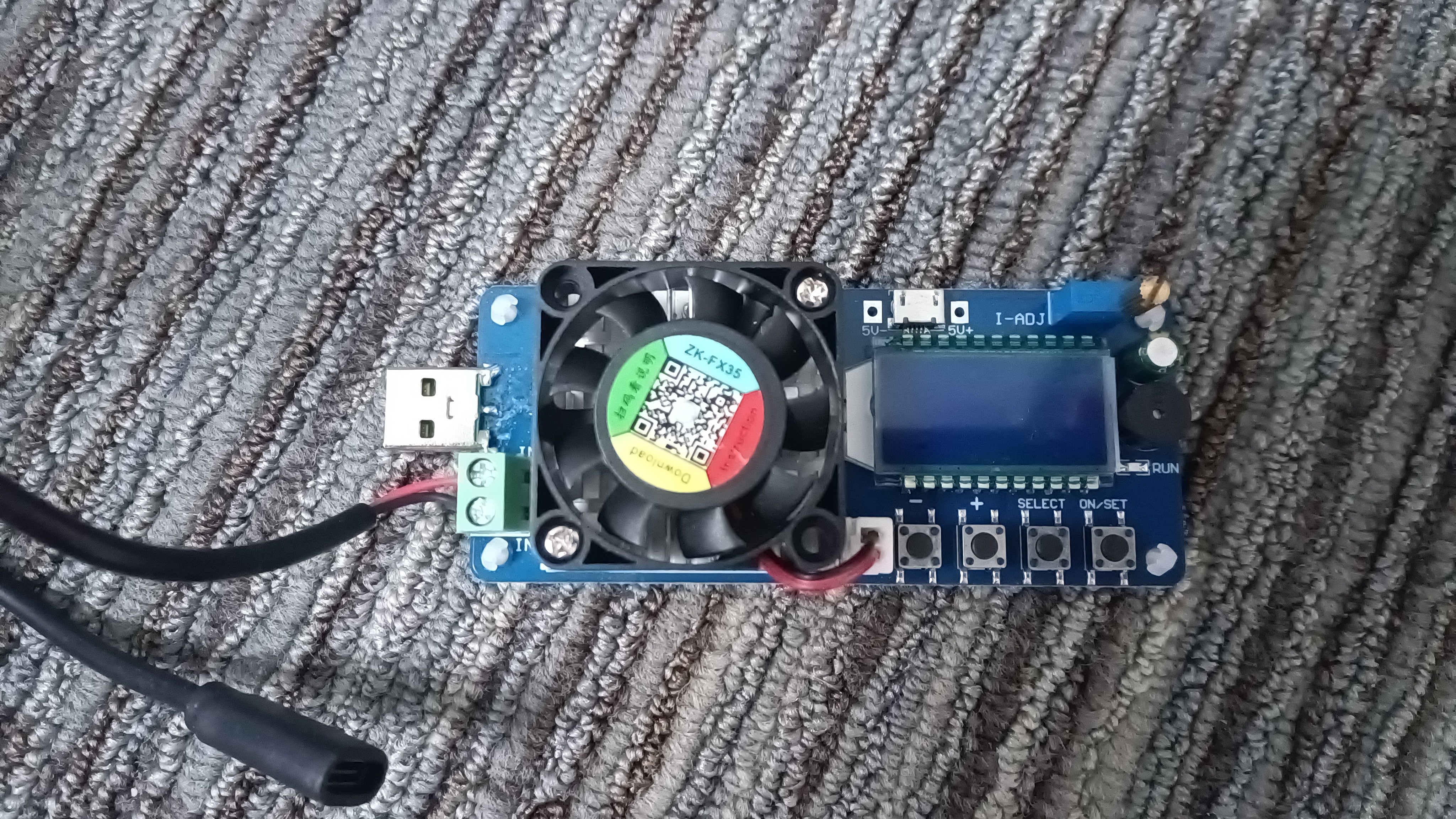
FX35 Load tester

raspberrypi fan nablopomo poe

A picture of the load tester. It is a blue circuit board, about 4cm high by 12cm wide, with a square black fan over a heatsink on the left, and a blue backlit liquid crystal display and four buttons on the right. There are some cables going in and out, and there is a small gold knob on top of a blue box.

I've written previously about my desire to find a good PoE adapter for the Raspberry Pi 5, and some of the equipment I'll use for this. One thing that'll be very important is being able to vary the load we place on the power supplies in a controlled way, so that we can measure how well they do. Using an actual Pi for this isn't very convenient, as it tends to just draw however much it needs - and it's likely to be incredibly tricky to get it to do just enough thinking to draw a certain amount of power from the supply.

Enter the load tester...

Read more...
Fnirsi FNB-58

raspberrypi nablopomo poe

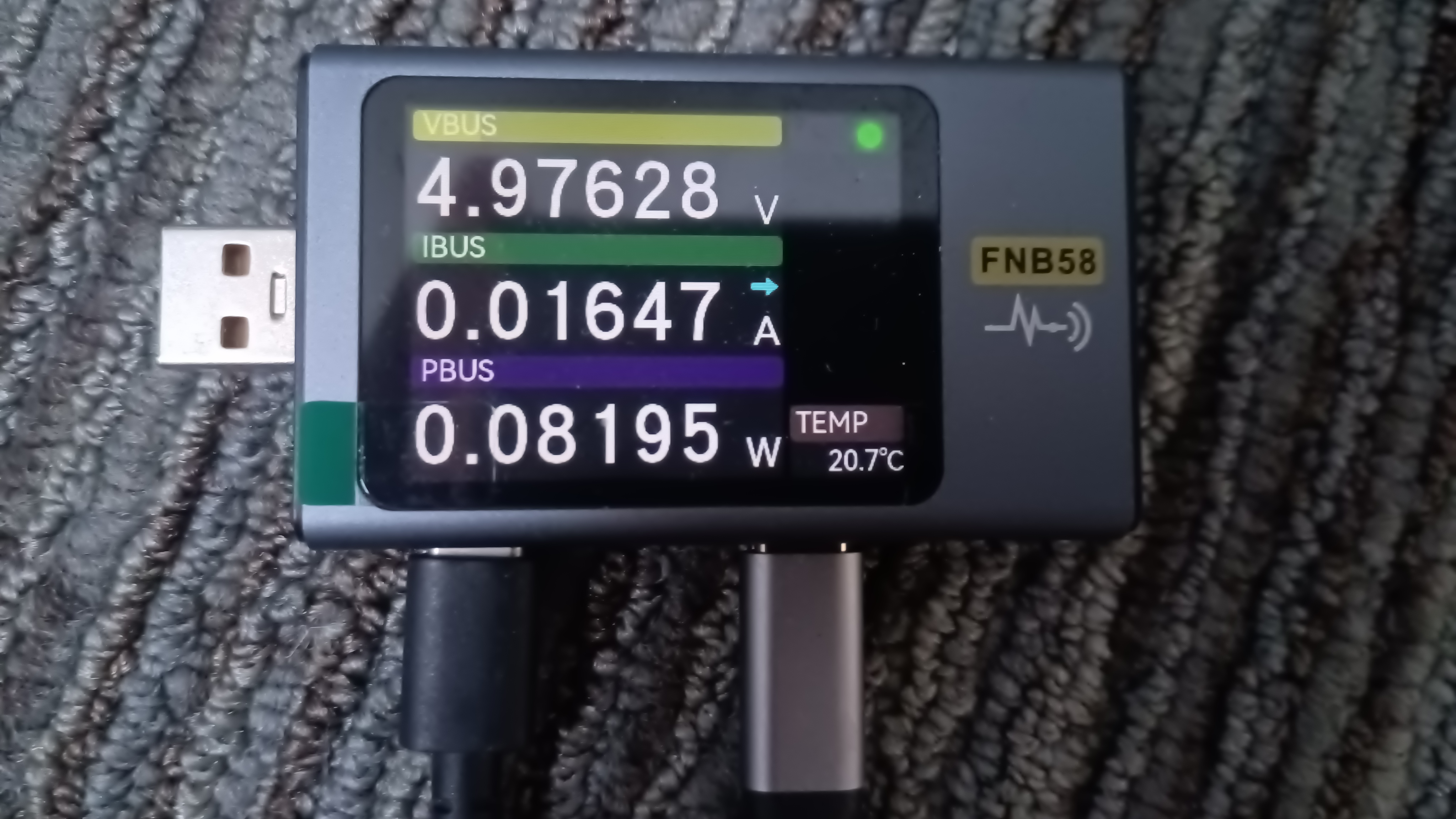
A photo of the FNB58, with USB-C cables going in and out. The display reads "4.97628 V, 0.01647 A, 0.08195 W".

I've written previously about my quest to find the ideal PoE power supply for a Raspberry Pi 5. This is one of the devices I'll be using for measurements.

Read more...

Powering a Pi by PoE

raspberrypi nablopomo poe

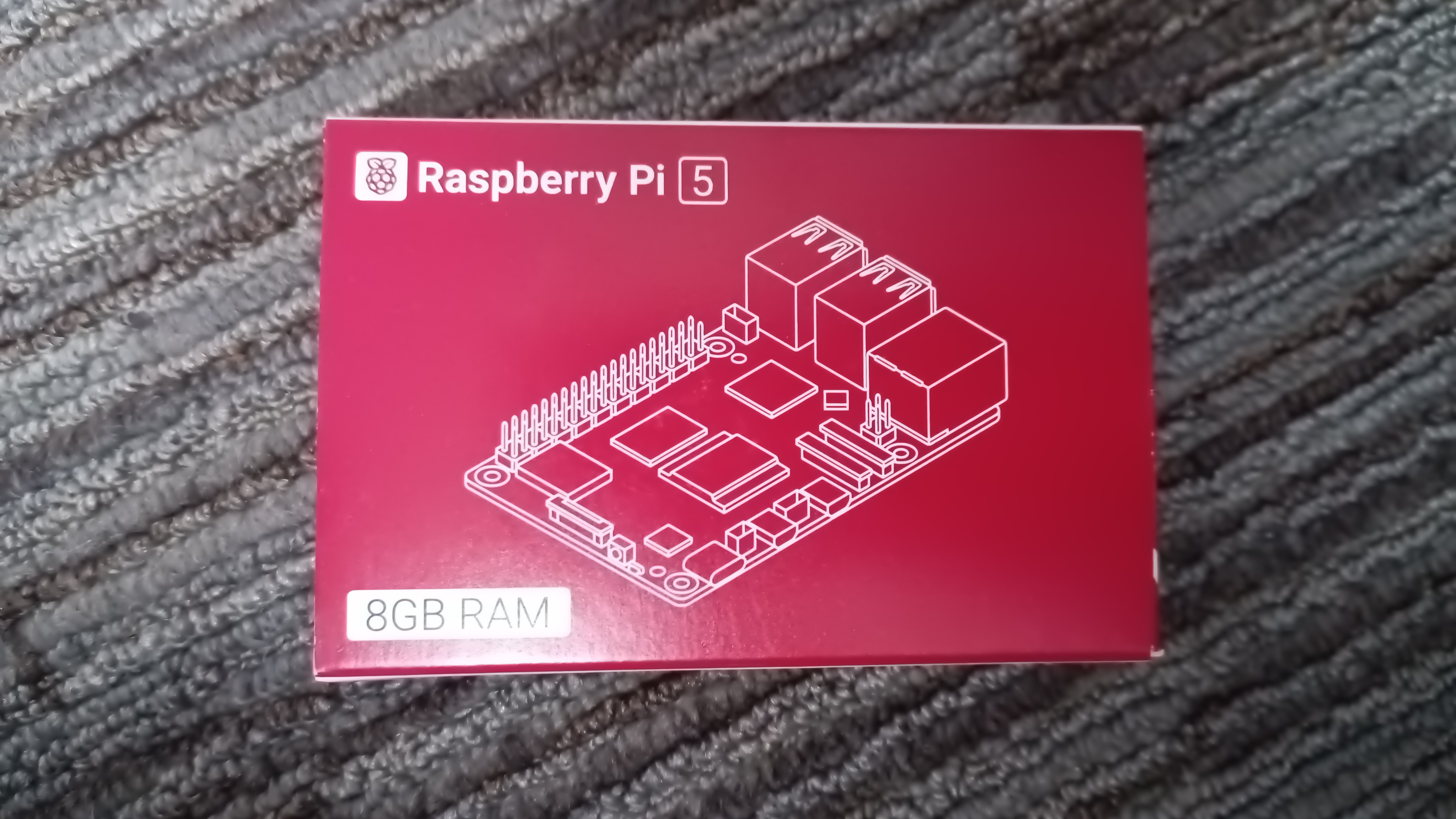
A boxed Raspberry Pi 5

The Raspberry Pi is a very useful device: small enough to go in various corners where a "real" computer wouldn't fit, and efficient enough in terms of power consumption that you can leave it on without breaking the bank, and even power them with Power over Ethernet (PoE), meaning only one cable is needed for both power and network, keeping everything that little bit tidier.

Just plug in a network cable and it all "just works"? Sadly it's not quite that simple.

Read more...