SAM2695 module
2 days, 11 hours ago midi nablopomo
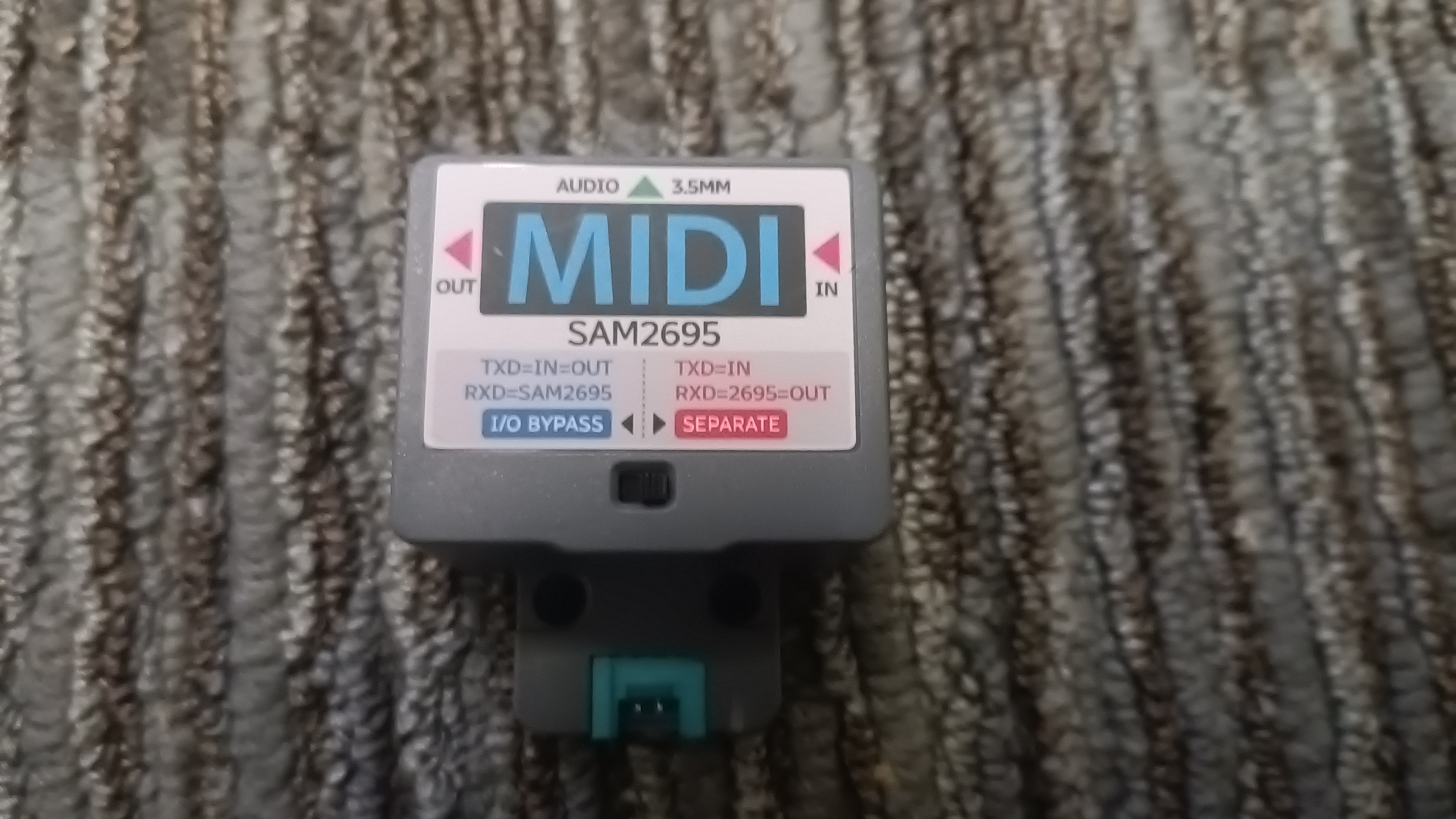
I've written before about needing some MIDI sound modules, and about one of the ones I ended up getting, the M-VAVE FM-1. Let's take a look at the other, the SAM2695 module from M5.
This is a module designed for connecting to devices from the the M5Stack ecosystem: a range of small microcontroller-based computers (mostly based on ESP32) and peripherals, that are easy to connect together for projects. But there's nothing to stop us using it on its own!
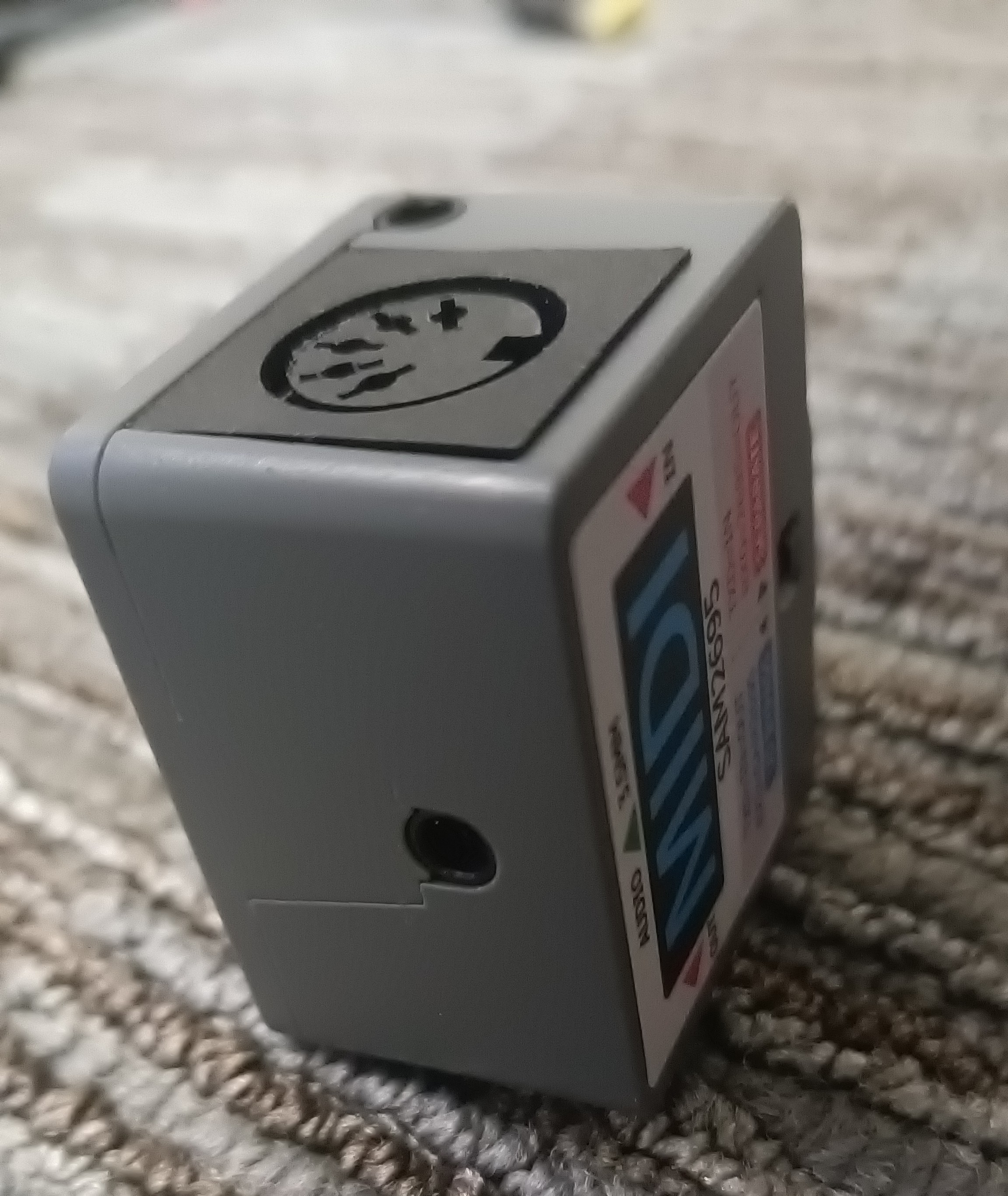
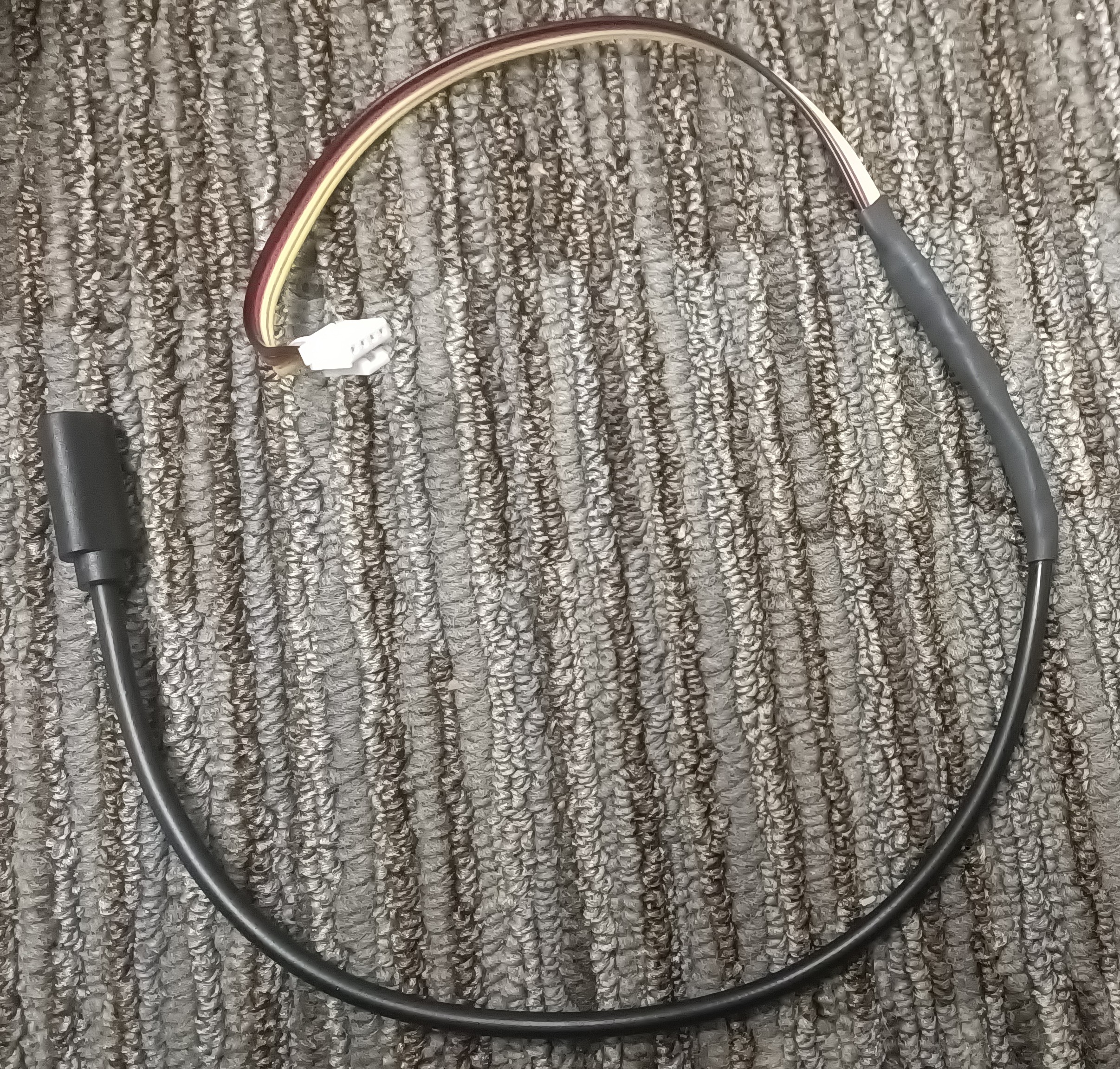
Well, actually there is - but fortunately it's something easily overcome: it takes power from a Grove connector, and (by default) takes the MIDI signal to play from that cable too. To be more useful for my purposes, I needed to chop the supplied wire up: first, remove the connector at the other end from the module; then the red and black wires I soldered to the wires of the same colour in a USB-C power cable, and the yellow and white wires needed to be connected to each other - this has the effect of making the module play any MIDI notes it receives on its MIDI In connector.
But what does it sound like?
The module is based on the SAM2695 chip from Dream, a French company specialising in DSP and audio devices. It's intended to be used in keyboards and karaoke machines, which requires perhaps not that absolute pinnacle of quality, but definitely some level of quality - and the module (mediated by a pair of headphones) sounds good: perhaps not amazing, but of the standard of a decent electronic keyboard. I certainly have no complaints!
The chip has a datasheet, which as well as detailing how to connect it, fully describes all the MIDI commands you can send it - both standard General MIDI ones, plus a few custom SysEx messages. This gives a lot of control over the sound, including multi-band equalisation, echo, reverb, panning and chorus effects.
How does it fare against my original criteria?
- Small and light enough to be held in a hand: ✅ Yes, it's roughly walnut-sized.
- Battery-powered: ❌ It requires external power - but this can come from a USB battery pack, if needed.
- Complies with General MIDI: ✅ It follows the standard closely.
- Has a standard MIDI connector for input: ✅ It has both 5-pin DIN and 3.5mm plugs for input (and indeed output, though that's not so useful for my case!)
- Built-in speaker: ❌ It requires headphones or an external speaker.
- Cheap: ✅ It's sold in various places, for various prices, but I got mine from AliExpress for under £20, which I think is very good value!
Next up: a comparison of the two devices.
0 comments