Rubik's cube: slide the side, take 2
10 hours ago python maths making cube electronics nablopomo ledpanel
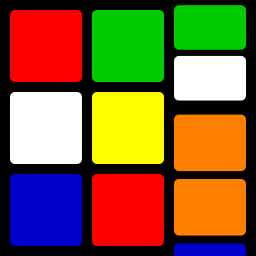
I previously posted about a prototype animation I'd done for a potential large, illuminated Rubik's cube project.
That animation moved the side as if there were a ribbon wrapped all around the cube (well, that slide of it), with the colours painted on it: as the ribbon slides round the cube, the "old" colours disappear and the "new" ones appear, but they all stay the same size. Can we make it more realistic?
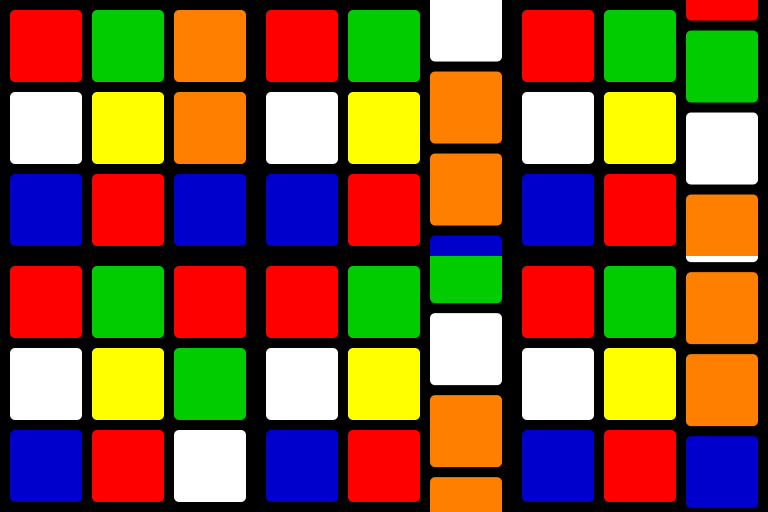
With a bit of trigonometry, we can arrange for the heights and positions to change as if the colours were truly around the edge of a square piece that's being rotated towards us. With even more hacky Python, it looks like this:
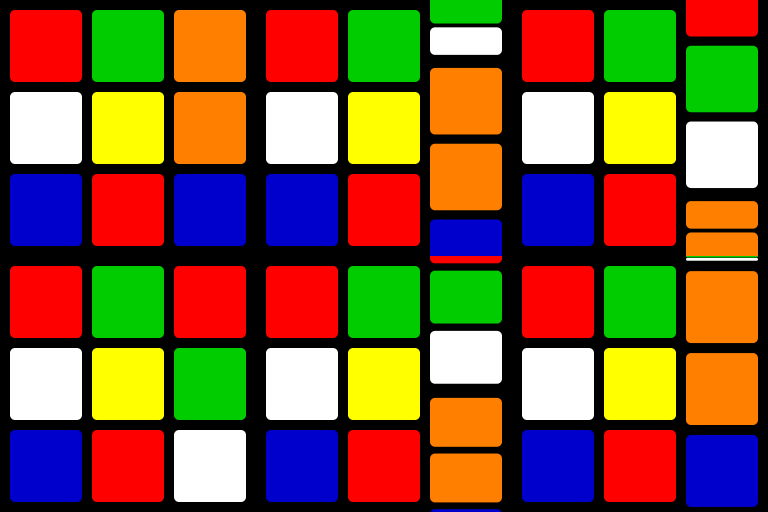
I think it looks better, though it remains to be seen how it will look on one of the LED panels. Which one do you prefer?
0 comments