ESPHome to Tasmota
1 week, 4 days ago tasmota nablopomo
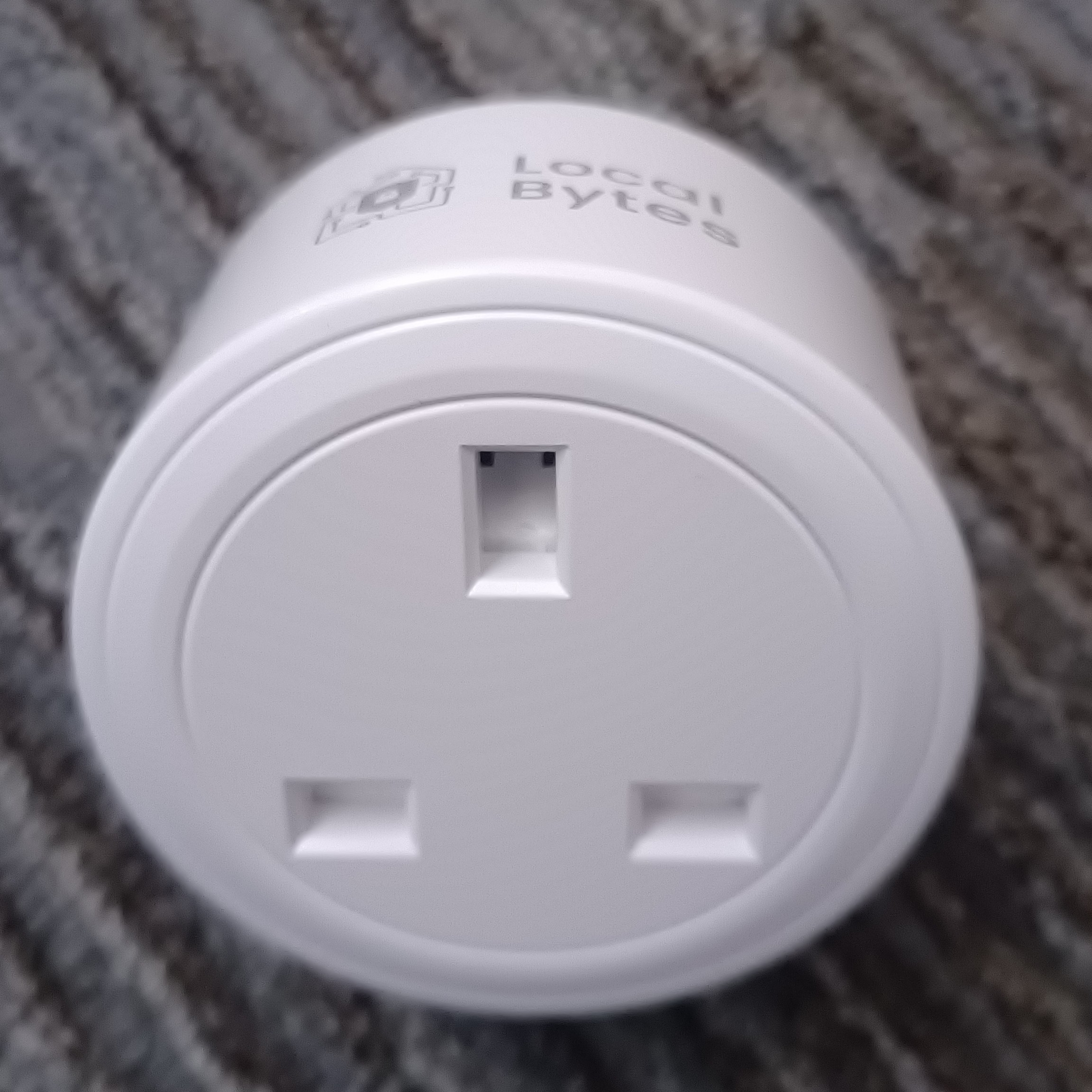
As I've previously mentioned, I have a bunch of "smart plugs", that both measure power usage and allow devices to be turned off when not in use. For various reasons I needed a few more of these.
Luckily Local Bytes were selling some at a discount. Not so luckily, they were out of stock of ones pre-flashed with Tasmota, and only had ones running ESPHome. I want to keep all of them running the same OS (it's hard enough to keep track of them as it is), so that's not ideal.
But perhaps it's possible to switch from one to the other?
A quick google suggested this was possible, and maybe not even too hard, so I placed an order.
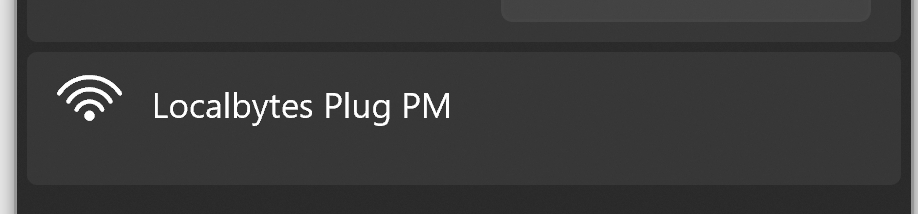
When the plugs arrived, I plugged one in, and - as expected - it announced a new WiFi network:
Connecting to this network brings up a page allowing you to connect the device to your "real" WiFi. But that's not what we want to do. Conveniently there's also a button allowing you to do an "OTA Upgrade" - that is, replace the firmware over-the-air.
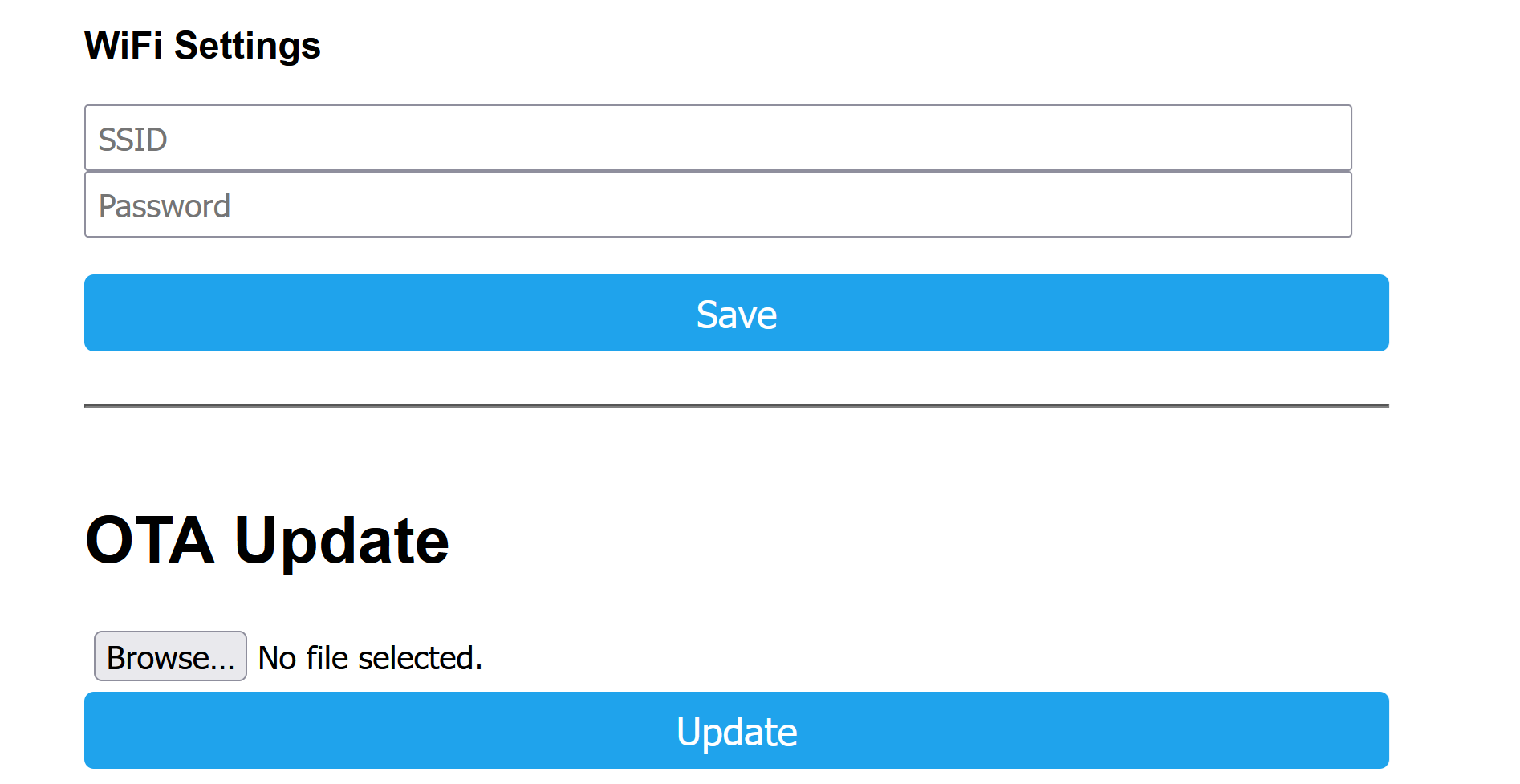
While connected to the normal wifi, I downloaded a Tasmota firmware file (tasmota-lite.bin.gz) from the Tasmota download page. I then connected to the plug's wifi and clicked the "Browse..." button to pick a file, and picked the firmware file I'd just downloaded. I crossed my fingers...
It's worth noting that this is a slightly perilous point - if it works, great; if it doesn't, there's a chance that the device will be "bricked" - that is, rendered inoperable. If that happens, it is technically possible to recover the device by connecting to the circuit board - which is actually reasonably straightforward - but unfortunately it's not possible to reach the circuit board on these devices without damaging the plastic. So if the update failed, the device would be basically ruined.
I crossed my fingers harder, and clicked "Update". A message popped up - disturbingly quickly, in fact - saying "Update successful!". Surely that couldn't have worked, so easily, and so fast?

But it turned out my suspicion was misplaced - a new "Tasmota-XXXX" WiFi network appeared, and I was able to connect to that and begin setting up the device with Tasmota.
Next step: calibrating the power measurement...
0 comments